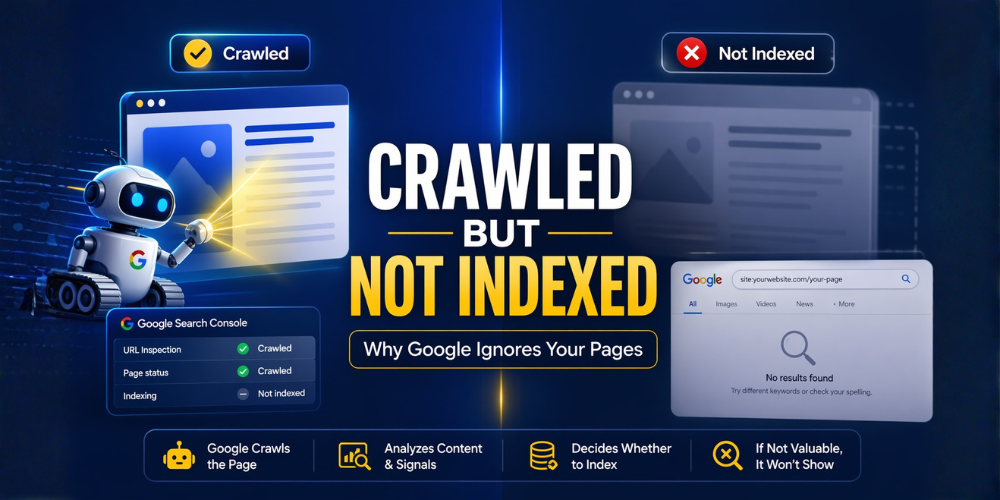
If you’ve ever opened Google Search Console and seen the status “Crawled – currently not indexed,” you’re not alone.
It’s one of the most frustrating SEO issues because your page is live, Google has already visited it, and yet it doesn’t show up in search results.
In simple terms, this means Google has crawled your page but decided not to include it in its index, so it won’t rank or appear in search.
This isn’t a penalty. It’s a decision.
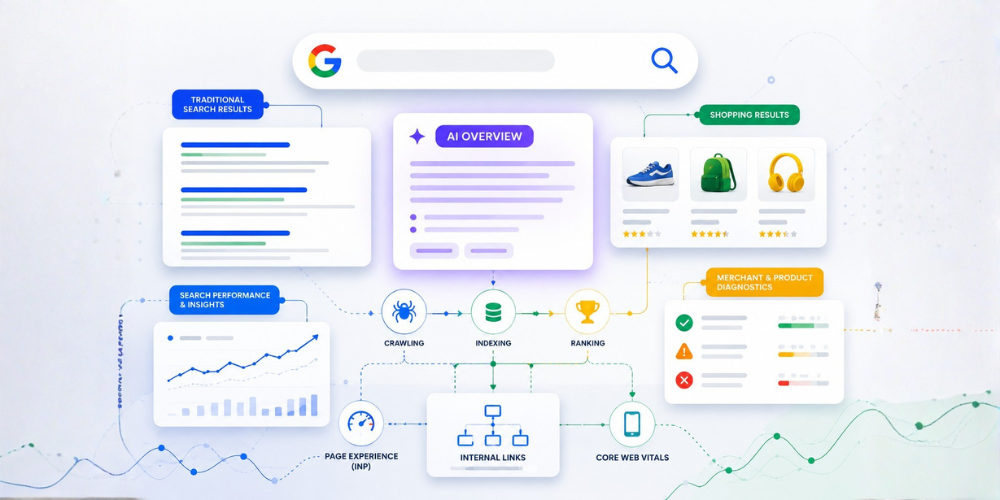
Many marketers assume that publishing content is enough, but in reality, SEO is much more complex. With the rise of AI-driven search, even indexing depends on how well your content aligns with modern systems like generative engine optimization (GEO).
Table of Contents
- What Does Crawled but Not Indexed Mean
- Why Google Crawls But Doesn’t Index
- How to Check Indexing Status
- Step-by-Step Fix
- How Long Indexing Takes
- Best Practices
- Common Mistakes
- Final Thoughts
What Does “Crawled but Not Indexed” Mean?
Before a page can rank, Google goes through two steps:
- Crawling — Googlebot visits your page
- Indexing — Google decides whether to store and show it in search
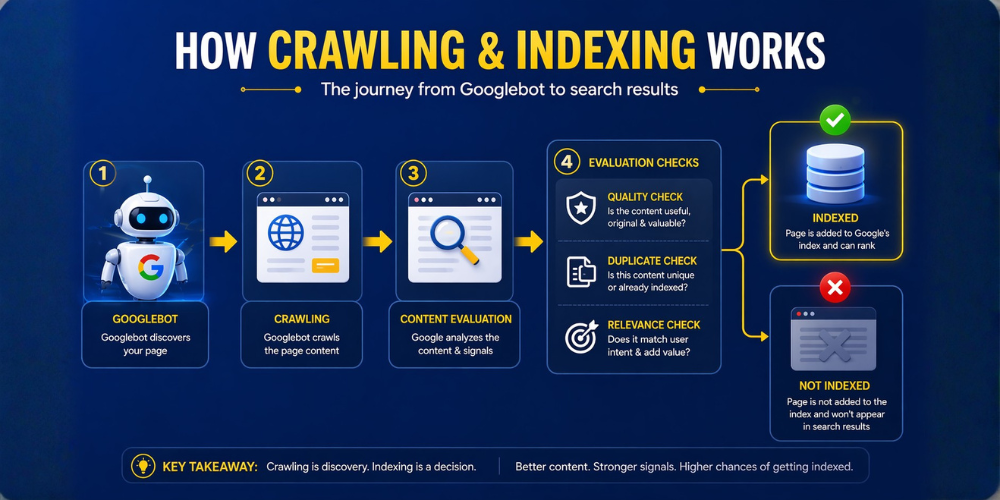
When your page is crawled but not indexed, it means Google has seen your content but doesn’t consider it valuable enough to include in search results.
This usually happens when:
- Content lacks depth
- Page is too similar to others
- Internal signals are weak
- Or the page doesn’t meet quality expectations
Why Google Crawls Your Page but Doesn’t Index It
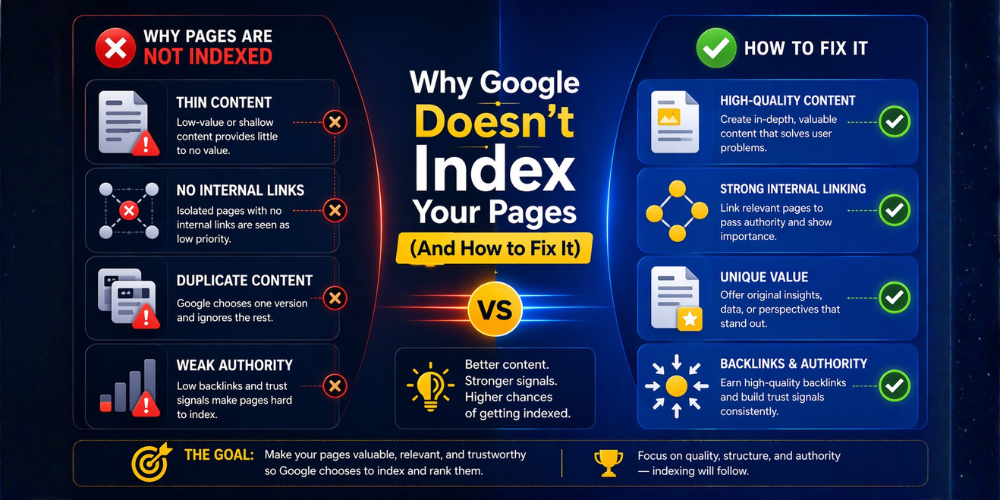
1. Thin or Low-Quality Content
Google prioritizes content that provides real value.
If your page is too short, lacks depth, or doesn’t solve the user’s problem, it may get crawled but ignored.
One of the biggest reasons behind this is poor SEO execution. Many websites unknowingly make critical mistakes that prevent Google from indexing their content properly. If you’re struggling with visibility, you should first understand these SEO mistakes that stop your blog from getting traffic.
2. Search Intent Mismatch
Even good content won’t rank if it doesn’t match what users are searching for.
This usually happens when there is a weak or incorrect targeting approach. If your content is built on the wrong keyword research strategy, Google may crawl it but choose not to index it.
To fix this, you need to go deeper into understanding what your audience actually wants instead of guessing.
3. Duplicate or Similar Content
If your page is too similar to another page, Google may choose to index a different version instead.
Duplicate or near-duplicate content is one of the most common reasons pages are skipped during indexing.
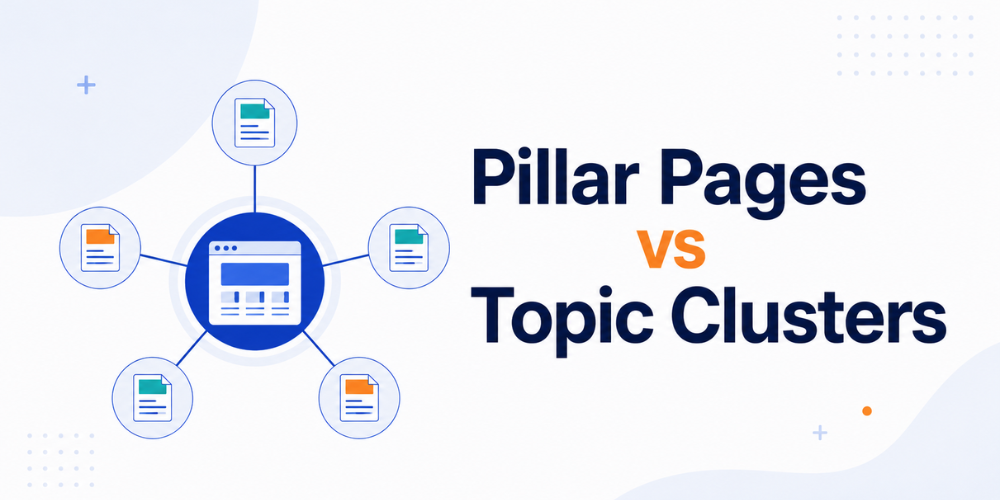
4. Weak Internal Linking
Google uses internal links to understand which pages are important.
If your page has no internal links or is buried deep inside your site structure, it may be treated as low priority and skipped.
5. Low Authority and Trust Signals
Even if your content is decent, Google may still ignore it if your website lacks authority.
One of the strongest signals of trust comes from backlinks, so learning how to build high-quality backlinks is essential for improving indexing.
Along with backlinks, modern SEO also depends heavily on credibility signals. That’s why focusing on building strong SEO trust signals can significantly improve your chances of getting indexed.
6. Technical SEO Issues
Sometimes the problem isn’t content but technical issues.
Common problems include:
- Noindex tags
- Robots.txt blocking
- Canonical conflicts
- Rendering issues
Even small technical errors can prevent indexing.
How to Check If Your Page Is Indexed
1. Use Google Search Operator
Search: site:yourdomain.com/page-url
2. Use Google Search Console
Check the URL inspection tool
3. Understand False Positives
Sometimes indexing can take time, and reports may lag.
Step-by-Step Fix for Crawled but Not Indexed
Step 1: Improve Content Quality
Ask yourself:
- Is this better than competitors?
- Does it solve the problem completely?
A good reference is this content growth framework that helped scale blog traffic, which shows how high-quality content impacts performance.
Google indexes pages that provide clear value and usefulness.
Step 2: Fix Search Intent
- Match your content with user intent
- Analyze top-ranking pages
- Align your structure and format
Step 3: Strengthen Internal Linking
- Link from high-authority pages
- Add contextual links
- Avoid orphan pages
Internal linking signals importance to Google.
Step 4: Fix Technical Issues
Check:
- Noindex tags
- Robots.txt
- Canonical URLs
- Page speed
Step 5: Build Authority
- Get backlinks
- Improve trust signals
- Build topical authority
Step 6: Request Indexing
After fixing everything:
- Use URL Inspection
- Request indexing
How Long Does Indexing Take?
- New pages: a few days to weeks
- Weak pages: may never index
If your page is stuck for weeks, it usually indicates deeper issues.
Best Practices to Avoid This Issue
- Create high-value content only
- Focus on search intent
- Build strong internal linking
- Avoid duplicate pages
- Maintain technical SEO
Common Mistakes That Keep Pages Unindexed
- Publishing thin content
- Targeting wrong keywords
- Ignoring internal linking
- Not updating content
- Creating similar pages
Final Thoughts
Google doesn’t index everything. It indexes what deserves to rank.
If your page is crawled but not indexed, it’s not broken. It simply needs stronger signals.
Focus on:
- Better content
- Better structure
- Better authority
And indexing will follow.